New Students
We not only provide you with the literature you need for your studies, but also offer many other services. In addition, we have study and work spaces available that suit your requirements and needs.
On this page, you will find all the important information you need to get started as a first-semester student.
Locations of the USL Bonn
Main Library
Are you studying the humanities, social sciences, law, economics, theology or psychology?
Then you’ll find the literature you need for your studies at the Main Library at Adenauerallee 39–41.
MNL Branch Library
Are you studying medicine, the natural sciences or agricultural sciences?
If so, the MNL Branch Library at Friedrich-Hirzebruch-Allee 4 is the place for you!
Faculty libraries
Needless to say, the relevant faculty library will also hold literature on your subject.
The first step to using the library: Apply for your library card
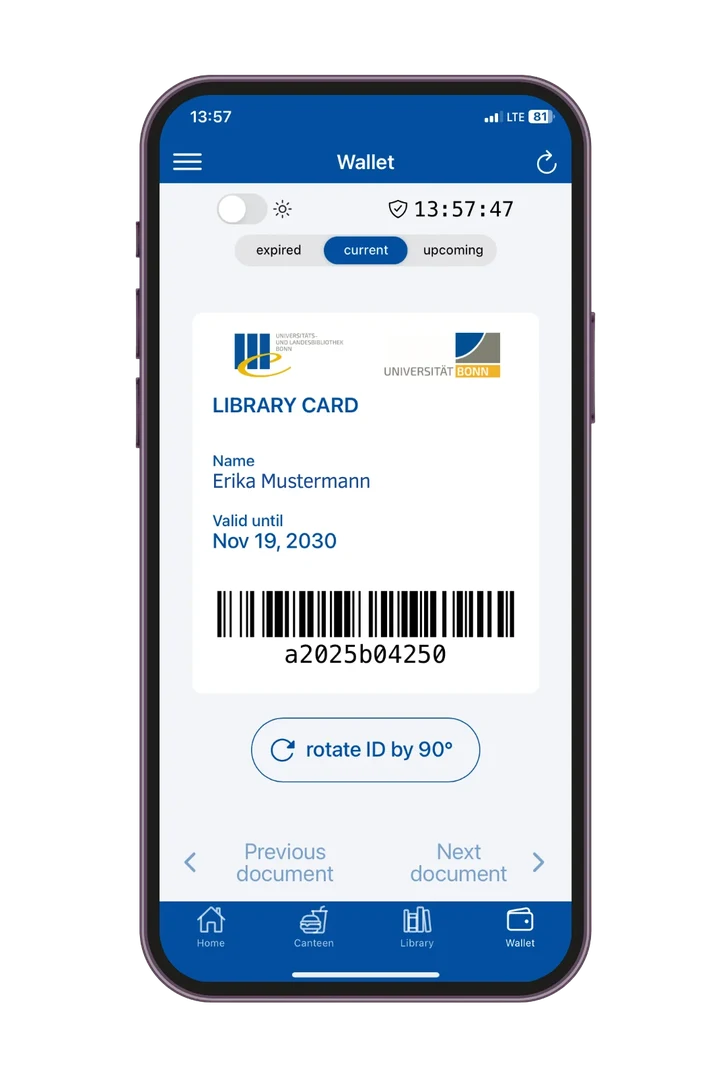
To use the USL Bonn, you need a valid library card. You can easily apply for one online:
You can then access your card via the Uni Bonn app.
Your card can be used in the Main Library, the MNL Branch Library and the Library of Mathematics.
Get to know us!
Take part in one of our short introductions at the start of the winter semester at the Main Library or the MNL Branch Library.

Introductions at the beginning of the semester
Explore the USL interactively
Actionbound-Rallyes
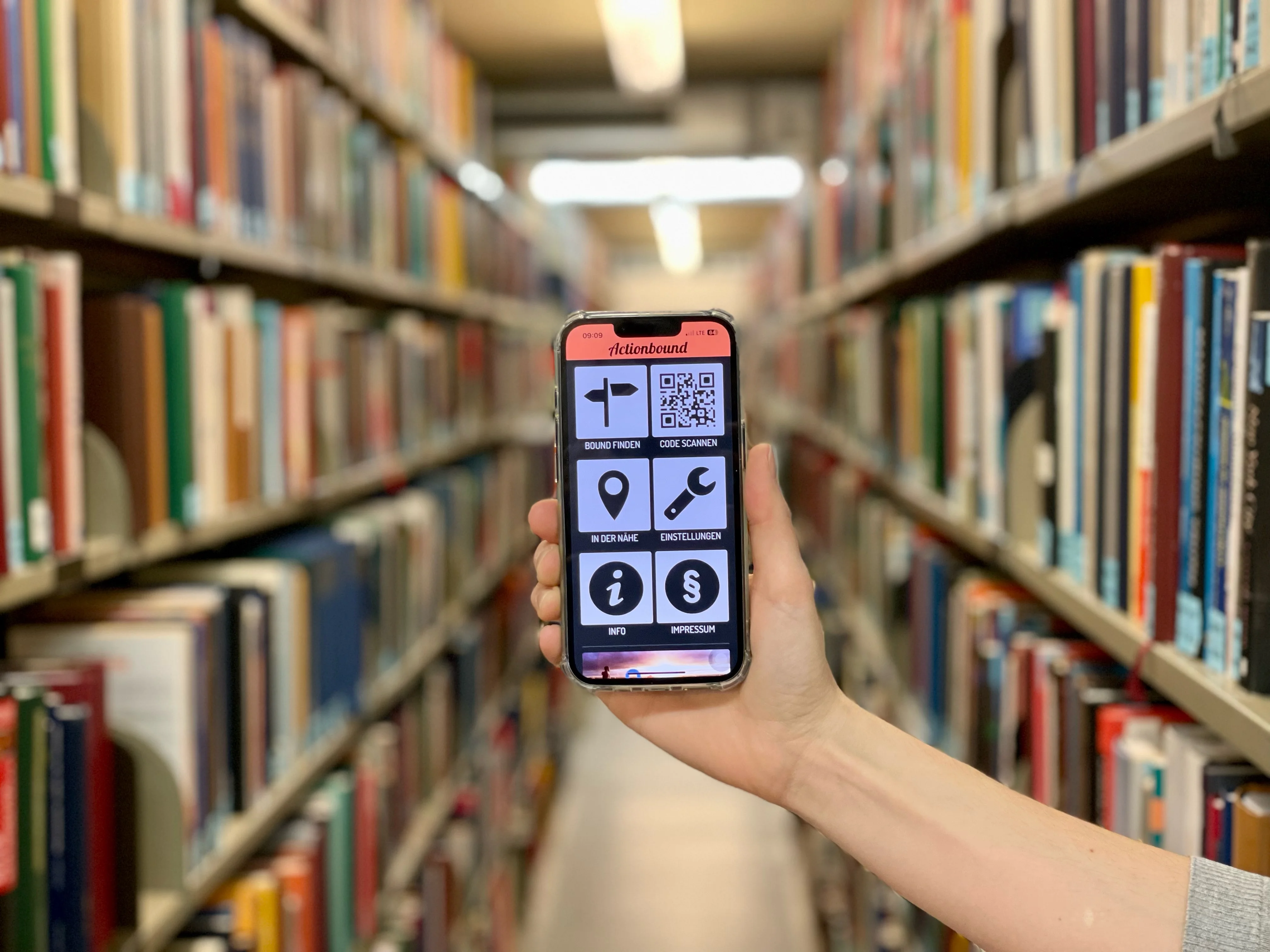
Would you like to get to know the USL on your own? Then our Actionbound Rallyes are just the thing for you.
Simply download the free Actionbound app onto your smartphone or tablet and off you go: You can expect exciting riddles, not too tricky tasks and, of course, the most important information about the lending desk, our workstations and service offers.
Learning Snack
Get to know the ULB interactively.
Are you new to the University of Bonn and would like to get to know the library interactively? Or you simply want to refresh your knowledge about our services? Then join us for our Learning Snack.
How to log in to bonnus
Searching for literature
The University libraries hold a large number of printed media (monographs and periodicals) on site.
All the collections can be searched for using our bonnus search portal, which also contains open-source and licensed e-media complete with full-text access. To start your search, go to our homepage.
Find a workspace
We offer workspaces for different requirements.
Workspaces in the reading rooms: more than 500 individual workspaces are available for concentrated learning in a quiet atmosphere.
Video conferencing and workstations: quiet conversation is permitted at the two-person tables, and headphones or headsets may be used to participate in conferences.
Group work areas: there are various work areas for groups of up to 6 people.
Please reserve your desired workstation online before your visit.

Frequently asked questions
Simply submit an application online using our form.
You will be notified by email as soon as your library card is ready.
- You need a valid password for your bonnus account.
- Install the Uni Bonn app on your smartphone so that you can activate your digital library card in it.
- Go to “Account management” in the menu (icon with three lines at the top left of the screen).
- Tap “Link account” for USL Bonn.
- Enter your user number and password.
- Accept the privacy policy and link your library account.
- Navigate to your wallet and update it.
You can find the "My Account” login link right underneath the bonnus search field on the USL homepage or in the top right corner of the bonnus search portal.
You can find your user number in your confirmation email. If you have already linked your library account to the Uni Bonn app, you will also find your user number in the app's wallet.
You can choose your own password. Please also read our information on activating your bonnus account for the first time.
Our bonnus search portal will tell you which library, if any, holds the book you’re after. You will see its location and the shelf mark you need in order to find the book on the shelves.
The Main Library and MNL Branch Library keep their collections in stacks. Some of these are freely accessible, while others have to be ordered.
In addition, some items cannot be taken off the premises but can only be used on site.
Our “Borrowing and Ordering” page tells you everything you need to know about the various borrowing statuses.
The textbook collection of the Main Library is on the first basement floor and constitutes a separate section of the open stacks. The textbook collection of the MNL Branch Library is partly on the ground floor and partly on the first basement floor.
It has been put together exclusively for students at the University of Bonn and contains a sizable number of copies of the most common and most important textbooks for individual subjects arranged systematically.
Find the shelf mark of your chosen book on bonnus and then get it from the shelf yourself!
Students at the University of Bonn can use our range of licensed e-media from home.
All you need to do is install a VPN client. This will allow you to log into the University network and access all our full-text documents from the comfort of your home using your Uni-ID and your chosen password.
Alternatively, many providers' websites allow you to log in directly with your Uni-ID without a VPN client via "institutional access" (Shibboleth).
Contact
Main Library
MNL Branch Library
Address
Friedrich-Hirzebruch-Allee 4
53115 Bonn