
Suitable for both beginners and those with some prior knowledge, this online platform helps learners to improve their language skills for studying, research, stays abroad or day-to-day work.
The University of Bonn enables its students and staff to access Rosetta Stone for free: Simply sign up using your University email address and off you go!
One-time sign-up required
Before logging in for the first time, new users will need to sign up once by entering their University email address on this web page.
How does Rosetta Stone work?
The language-learning courses are available for 24 languages in total and are taken online in your browser and in the app.
Its offline mode also lets you study in places without an Internet connection, giving you an easy way to incorporate learning into your daily routine. Most exercises last no more than 10 minutes!
Level-appropriate learning
Following a placement test, the software will adjust to your personal language level and suggest appropriate content for you to learn from. Rosetta Stone offers two different study programs for the various language levels:
- Foundations is designed for beginners and helps them systematically to build proficiency in a completely new language from their very first words.
- Fluency Builder is a dedicated study pathway for advanced users who already know the basics and want to hone and consolidate their language skills through exercises with a practical bent.
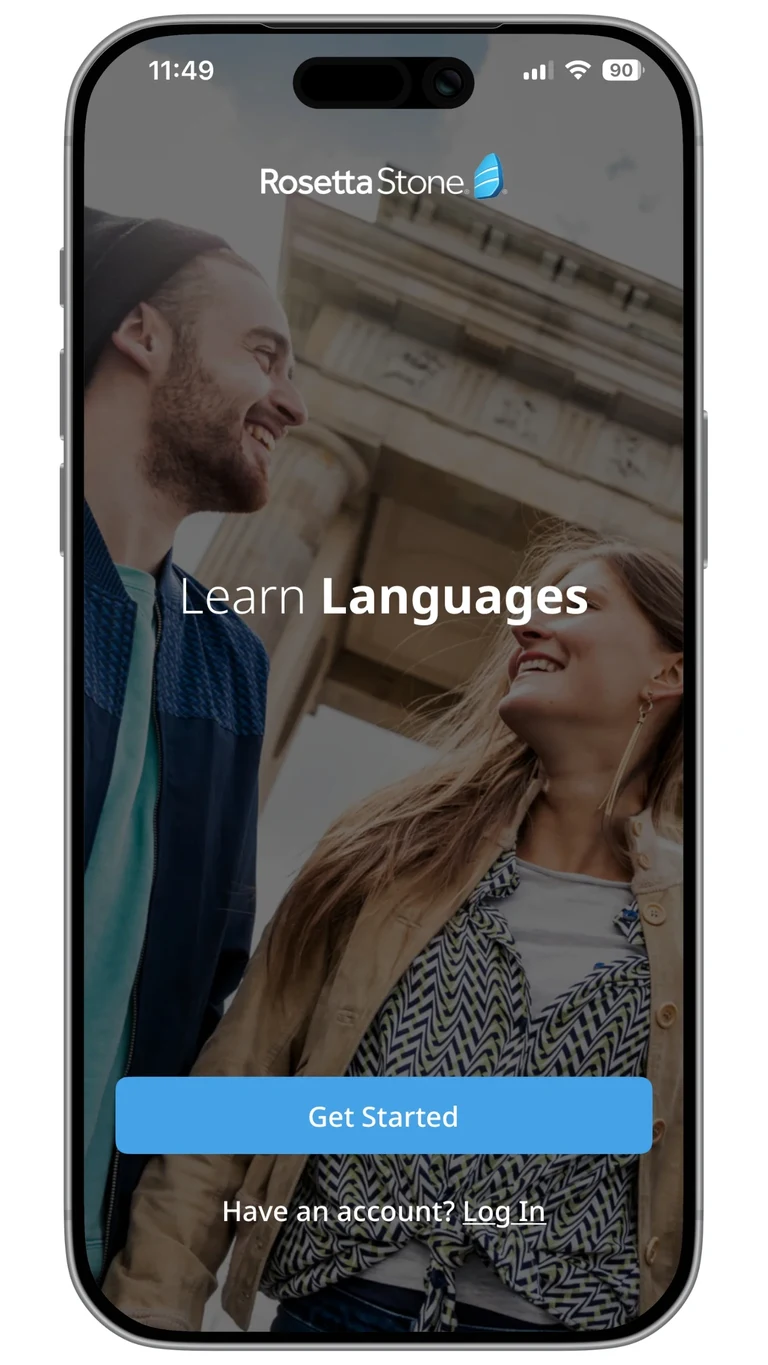

What makes Rosetta Stone special?
Rosetta Stone applies an immersive learning approach, especially in its foundation-level (A1 and A2) courses. Users learn directly in the target language and absorb new words and content intuitively via pictures and contexts drawn from typical everyday situations.
The program is supplemented by exercises testing vocabulary, listening comprehension, pronunciation, reading and writing. Step by step, this opens up a natural route into the language for learners that is focused on everyday communication in particular.
Rosetta Stone – FAQs
To use Rosetta Stone, you will need to sign up once only via the hbz web page before logging in for the first time.
Please email ebib@ulb.uni-bonn.de if you encounter any problems with signing up or using Rosetta Stone.
If you are having problems logging in, please email us at ebib@ulb.uni-bonn.de, stating your name and University email address.
Only Rosetta Stone itself can change a language level. If this applies to you, please email Rosetta Stone directly at kontakt@rosettastone.de, indicating what language you are learning and what level you want to be placed at.
We recommend the standard setting, which will give you access to the full range of lessons and exercises in Rosetta Stone.
If you instead choose a learning focus, such as “Speaking and Listening,” the content will be automatically tailored to this area, and other types of content, such as grammar exercises and reading comprehensions, will appear less often or not at all.
You can study multiple languages at the same time without sacrificing your progress. You can only change what language you are learning via the web-based app (https://login.rosettastone.com), not the mobile apps.
- Log into the web app and click on your name in the top right-hand corner and then on “My Profile.”
- The language you currently have selected is shown under “Change language of study.” Open the dropdown menu and choose what language you want to switch to.
- N.B.: Regardless of whether you have already done a placement test or self-assessment for this language, you will always see the following note in red text when you pick a different language to learn: “You will be prompted to take a questionnaire and self-assessment when you begin to learn a new language.” Do not let this put you off.
- Depending on what language you have chosen to learn, you will then be taken either to a placement test (English, German, French and Spanish; duration: around 30 to 45 minutes) or to a self-assessment (all other languages; duration: around 10 minutes).
- Once you have completed this, you can start learning your new language straight away.
Please note that the mobile apps “Rosetta Stone: Foundations” and “Rosetta Stone: Fluency Builder” will synch with the web app.
If you subsequently want to switch between the languages you have set up, follow the above steps once again (except step 3, which will not apply).
Rosetta Stone Catalyst offers two different learning pathways: “Foundations” and "Fluency Builder.” So there are also two different apps.
- “Rosetta Stone: Foundations”
Select “Work or School” when logging in. As well as your user name (i.e. your University email address) and password, you must also enter “hbz” as your workspace. - “Rosetta Stone: Fluency Builder”
Log in with your user name (University email address) and password.
Check in the web app which learning pathway you are following for your chosen language and download the corresponding app.
Yes. You can just use the apps for your learning.
However, please be aware that you will only be able to sign up, switch language or change various account settings via the web app.
By contrast, you can use all the features of Rosetta Stone via the web app without any problems.
No. You will not be able to keep on accessing your free Rosetta Stone account using your University of Bonn login details after the end of your studies or contract, because your account is linked directly to your Uni-ID. If you would like to carry on learning with Rosetta Stone, you will need to pay for a personal account.
You can ask Rosetta Stone’s support team to download your progress report and send it to you directly. This will show you which lessons you have already completed and allow you to pick up in your new account where you left off in your old one. Please email ebib@ulb.uni-bonn.de if you would like to do this.
The only way to delete a Rosetta Stone account is via the Bonn University and State Library (USL).
To do so, please email ebib@ulb.uni-bonn.de from the University email address to which your account is registered, asking for this account and all data associated with it to be permanently deleted. We will then pass your request on to Rosetta Stone.
Since we hold the license from Rosetta Stone, our confirmation is required in order to delete your account. Before the deletion is finalized, you will receive an email sent to your registered University email address, asking you to confirm your deletion request. Once you have done so, it may take a few days before your account has actually been deleted.
You should therefore contact us early on as you will need to access your University email address during the course of this process.
Contact
Please email ebib@ulb.uni-bonn.de if you have any questions or encounter any problems.